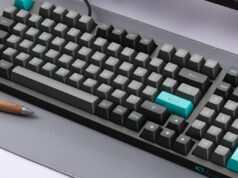
Typing is one of those everyday skills people rarely question. Most of us simply accept the keyboard layout that comes preinstalled on our devices. Yet layout design has a huge influence on speed, comfort, and long term typing endurance. A thoughtfully designed keyboard layout can reduce finger travel, balance workload between hands, and make frequent actions feel almost automatic.
Professionals who type for hours every day often notice the difference quickly. Programmers, writers, translators, and data entry specialists frequently experiment with layouts to improve typing efficiency. When the layout matches the way people actually type, fatigue decreases and productivity improves.
Designing a keyboard layout does not require complex engineering knowledge. What it does require is a clear understanding of typing behavior, language frequency patterns, and ergonomic principles.
The following guide walks through practical strategies that help create layouts that support faster and more comfortable typing.
Understanding input tools and language behavior
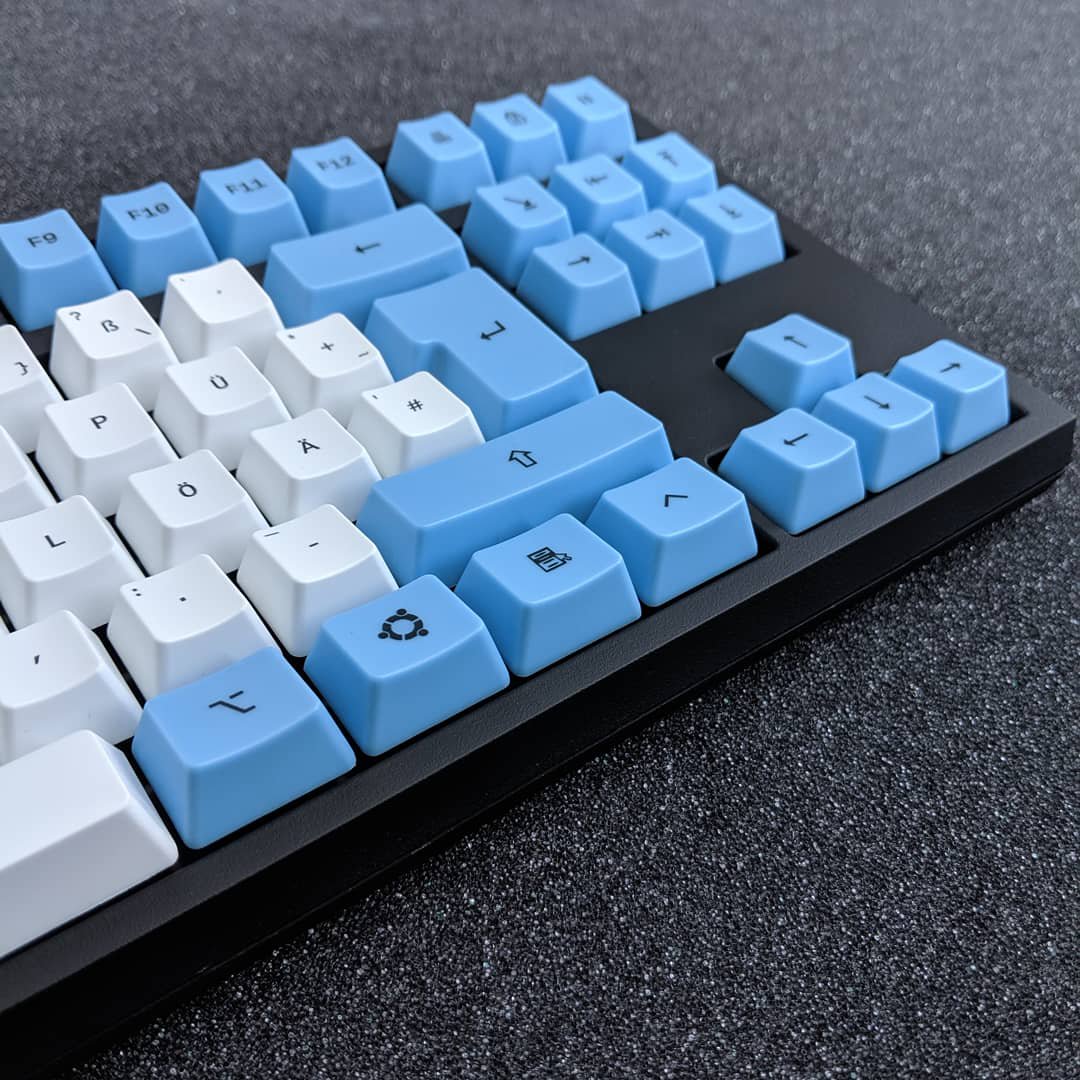
Before designing a layout, it helps to understand how people actually input text. Different languages and writing systems rely on unique typing tools and frequency patterns. English keyboards differ greatly from systems designed for Chinese, Japanese, or Korean.
In Chinese typing environments, input methods convert phonetic typing into characters. Many users rely on tools such as 搜狗输入法 (Sogou input method) because it predicts characters based on typing patterns and vocabulary context. These systems influence how keyboard layouts interact with language input.
Instead of focusing only on letter placement, designers must also consider:
- Character prediction systems
- Word completion behavior
- Shortcut usage for selecting candidates
- Switching between language modes
Layouts that support these behaviors help users type efficiently without constantly interrupting their workflow.
Did you know?
Chinese input systems often rely on phonetic spelling combined with predictive models. Efficient keyboard layouts in such environments prioritize quick access to punctuation and confirmation keys rather than only alphabet placement.
Analyze finger travel and typing patterns
Efficient keyboard design starts with understanding how fingers move during typing. The goal is simple. Reduce travel distance while maintaining a natural rhythm.
Many layout designers study large typing datasets to identify which letters appear most often. In English text, letters like E, T, A, O, and N dominate usage. Placing them near the home row reduces finger strain.
The following table illustrates a simplified comparison between high frequency letters and ideal key placement zones.
| Letter Frequency Category | Ideal Placement Zone | Reason |
|---|---|---|
| Very frequent letters | Home row | Minimal finger movement |
| Moderately frequent letters | Upper row | Quick access without strain |
| Rare letters or symbols | Bottom or corner keys | Less disruption during typing |
After placing letters strategically, designers test layouts by simulating typing sequences. Software tools often measure total finger travel distance to evaluate efficiency.
Lower travel distance generally correlates with faster and more comfortable typing.
Balance the workload between both hands
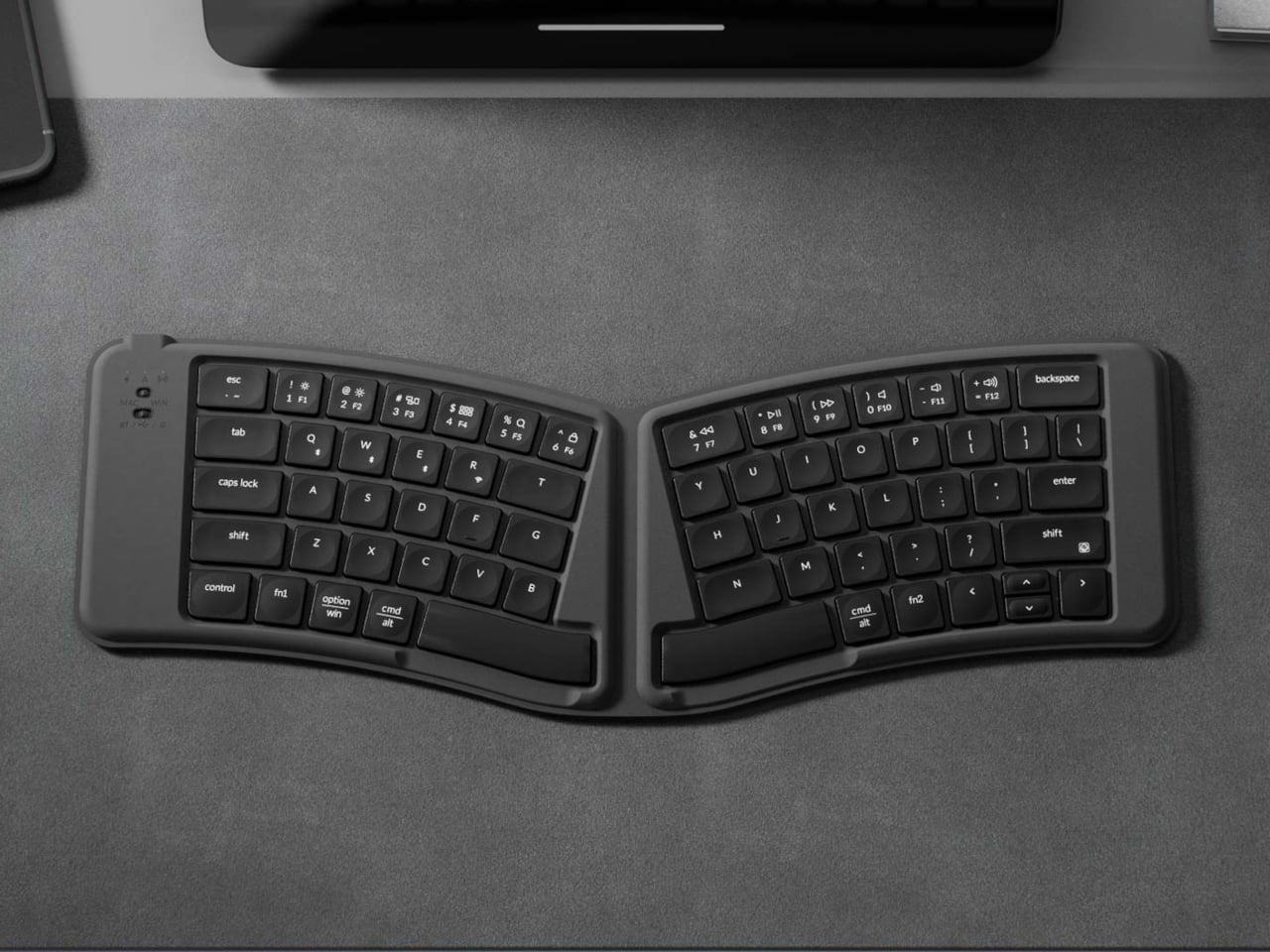
One of the biggest reasons some layouts outperform others is how they distribute typing effort. Balanced layouts reduce fatigue and help maintain typing rhythm.
When one hand performs most of the work, typing becomes slower and more tiring. Balanced layouts alternate keystrokes between hands more frequently.
Effective layout designers often follow a few practical guidelines:
- Place common letter pairs on opposite sides of the keyboard to encourage alternating hand movement.
• Avoid clustering too many frequent letters under the same finger.
• Allow stronger fingers such as the index and middle fingers to handle more workload.
• Reserve pinky fingers for lighter tasks like punctuation or modifiers.
A layout that distributes effort naturally feels smoother during long typing sessions. Writers often notice that their hands fall into a steady rhythm when alternating between left and right hand inputs.
This balance improves both speed and long term comfort.
Use ergonomic placement for comfort and speed
Typing efficiency depends heavily on ergonomics. A layout that looks logical on paper may still cause discomfort if finger positioning feels unnatural.
Ergonomic design focuses on minimizing strain while supporting natural hand posture. Most people rest their fingers on the home row when typing. Efficient layouts take advantage of that natural position.
Important ergonomic considerations include the following:
- Keys pressed by the index fingers should include many frequently used characters.
• Pinky fingers should avoid repetitive heavy workload.
• Large finger stretches across rows should remain limited.
• Shortcuts should stay reachable without awkward hand movement.
Ergonomic typing aims to keep wrists neutral and reduce repeated finger strain. Efficient layouts support this by aligning key placement with natural finger movement patterns.
Ergonomic improvements often increase typing endurance. People can type longer without discomfort when layouts respect natural hand mechanics.
Test and refine your layout with real typing data
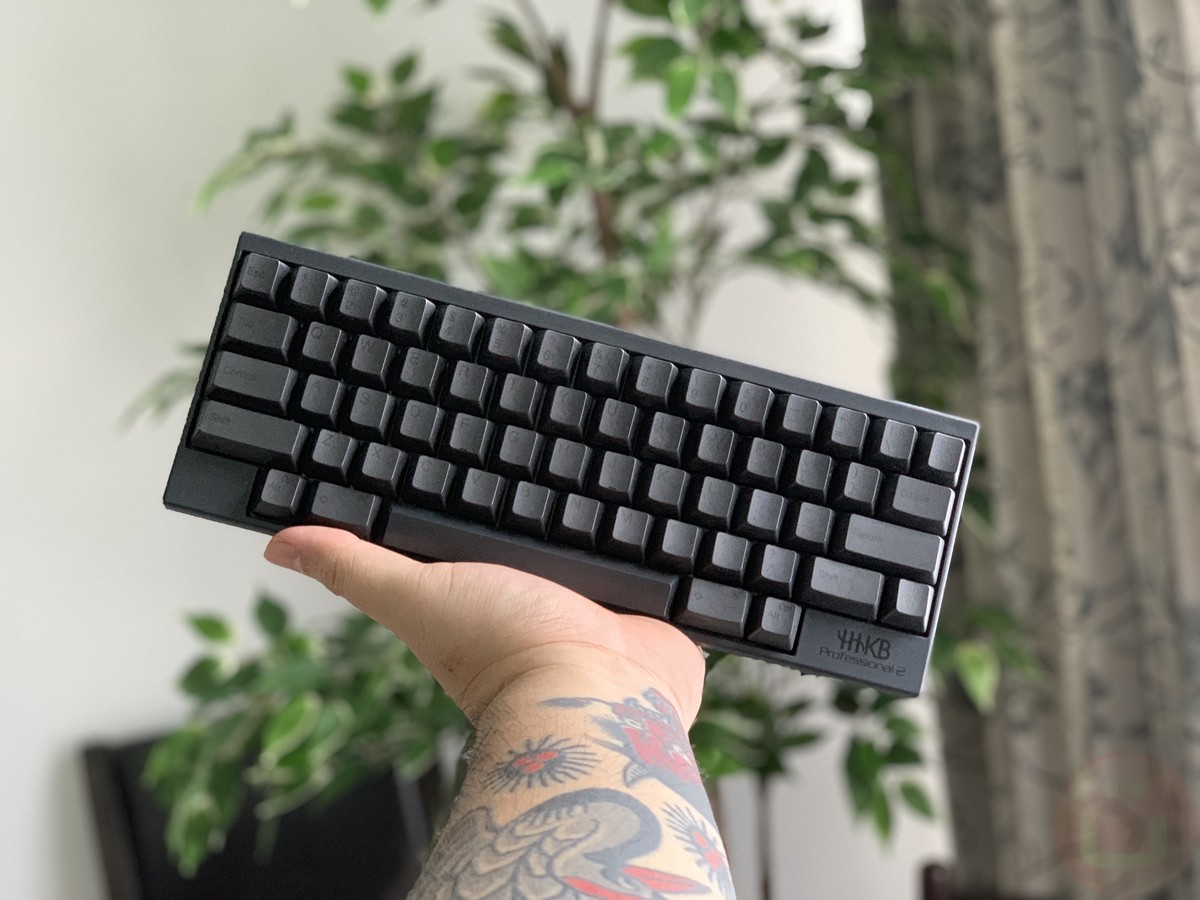
Designing a keyboard layout is rarely perfect on the first attempt. Real world testing is essential. Typing data reveals patterns that theory alone cannot predict.
Testing often involves measuring several performance indicators:
- Typing speed in words per minute
- Error frequency
- Finger movement distance
- Typing fatigue during extended sessions
Many layout designers run experiments with small groups of users before finalizing placement decisions. Feedback from experienced typists helps identify awkward key positions or inefficient patterns.
A simple refinement process might follow these steps:
- Create a prototype layout based on frequency analysis.
- Simulate typing using software tools.
- Run real typing tests with volunteers.
- Adjust key placement to reduce strain and errors.
Even small adjustments can improve typing efficiency dramatically when repeated thousands of times during daily use.
Final thoughts
Keyboard layouts shape the way people interact with text every day. Although many users never question the standard layouts on their devices, thoughtful design can dramatically improve typing efficiency.
The most successful layouts follow several practical ideas. They prioritize frequent letters on the home row, balance workload between hands, and respect ergonomic hand movement. When layouts align with natural typing behavior, speed and comfort both improve.
Language specific tools also play a role in layout design. Systems that rely on predictive input or character conversion require layouts that support confirmation keys, shortcuts, and navigation.
Designing an efficient layout takes experimentation, observation, and testing. The reward is a typing experience that feels smoother, faster, and more comfortable over time.